One Stop Shuffle
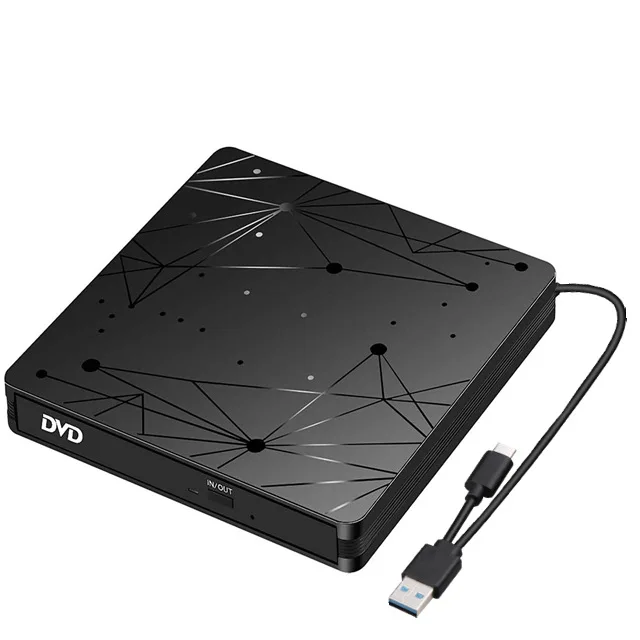
USB3.0 Type-C External 2-In-1 DVD Burner RW CD Slim Optical Drives Reader Player Writer Portable CD-ROM DVD-RW for Laptop PC
USB3.0 Type-C External 2-In-1 DVD Burner RW CD Slim Optical Drives Reader Player Writer Portable CD-ROM DVD-RW for Laptop PC
Couldn't load pickup availability
SPECIFICATIONS
Application: External
Brand Name: NONE
Certification: CE
Choice: yes
Disc Loading Mode: Tray Type
Drive Type: DVD-RW
High-concerned chemical: None
Installation Method: External
Interface Type: USB 3.0
Model Number: DVD Burner
Origin: Mainland China
Package: Yes
Recording Format: DVD±RW/DVD-RAM
Type: DVD Burner
Optical drive type: 2 IN 1 USB external DVD burner
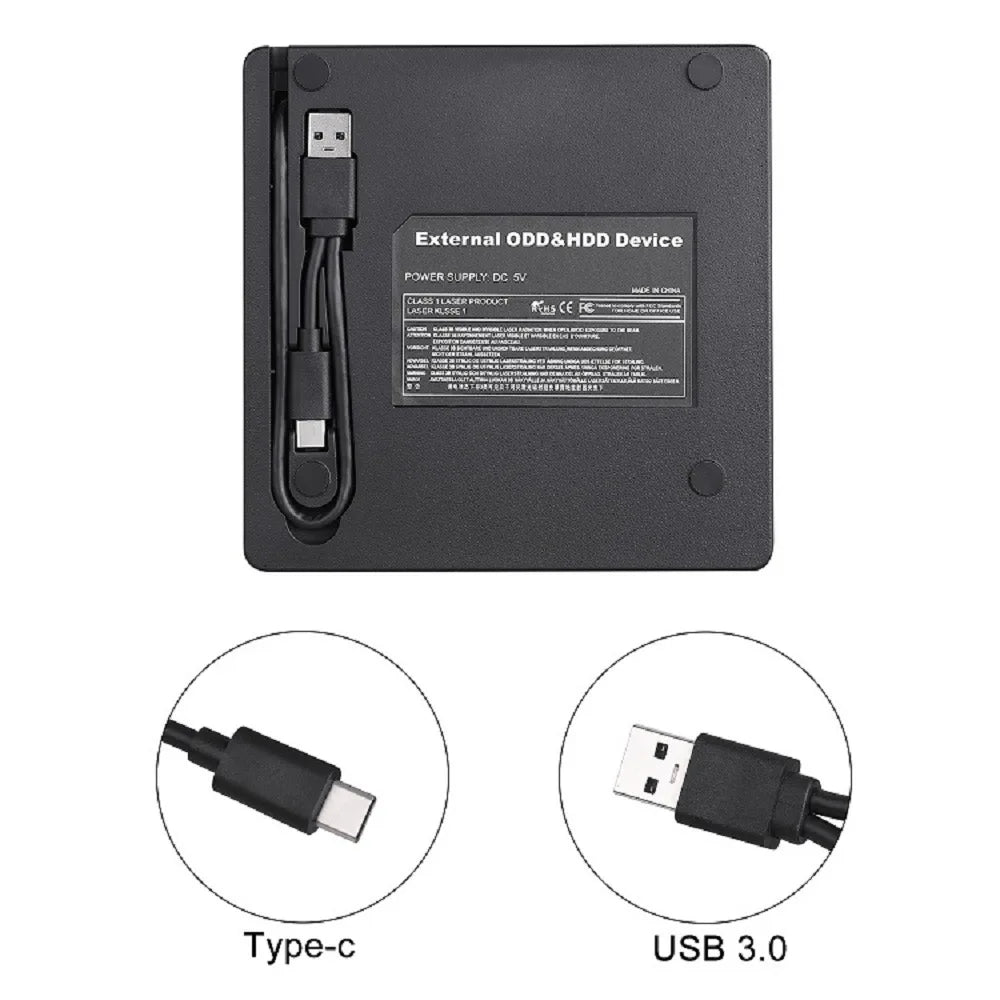
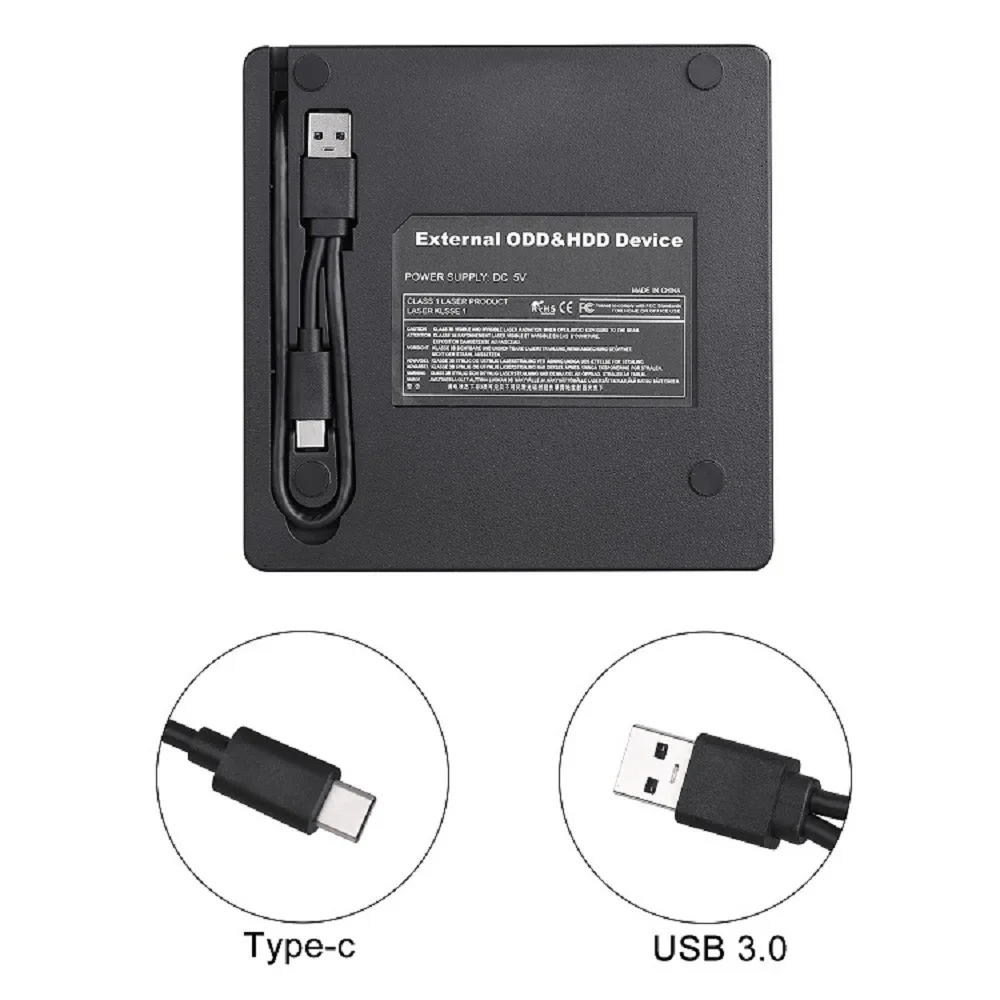
Interface: USB 3.0+ TYPE C interface
Power supply: USB power supply (plug and play without driver)
Material: ABS
Single unit packaging: inner tray vacuum molded with color box
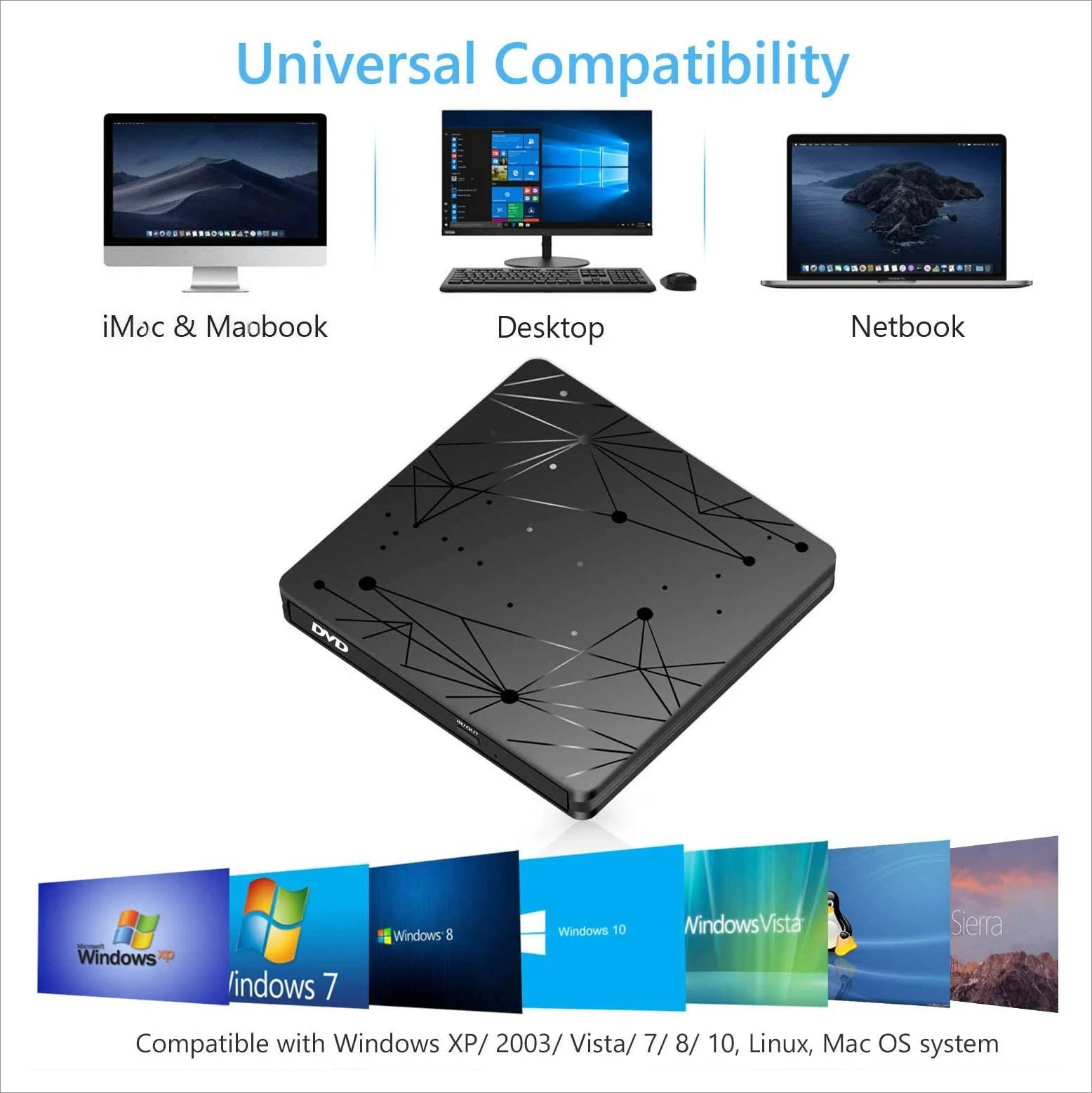
Supported installation systems: WIN98/XP/WIN7/WIN8/, WIN10/XP/VISTA/Mac OS 8.6 or higher
Supported devices: desktop computers, laptops, all-in-one computers, ultrabooks, netbooks, hard drive players
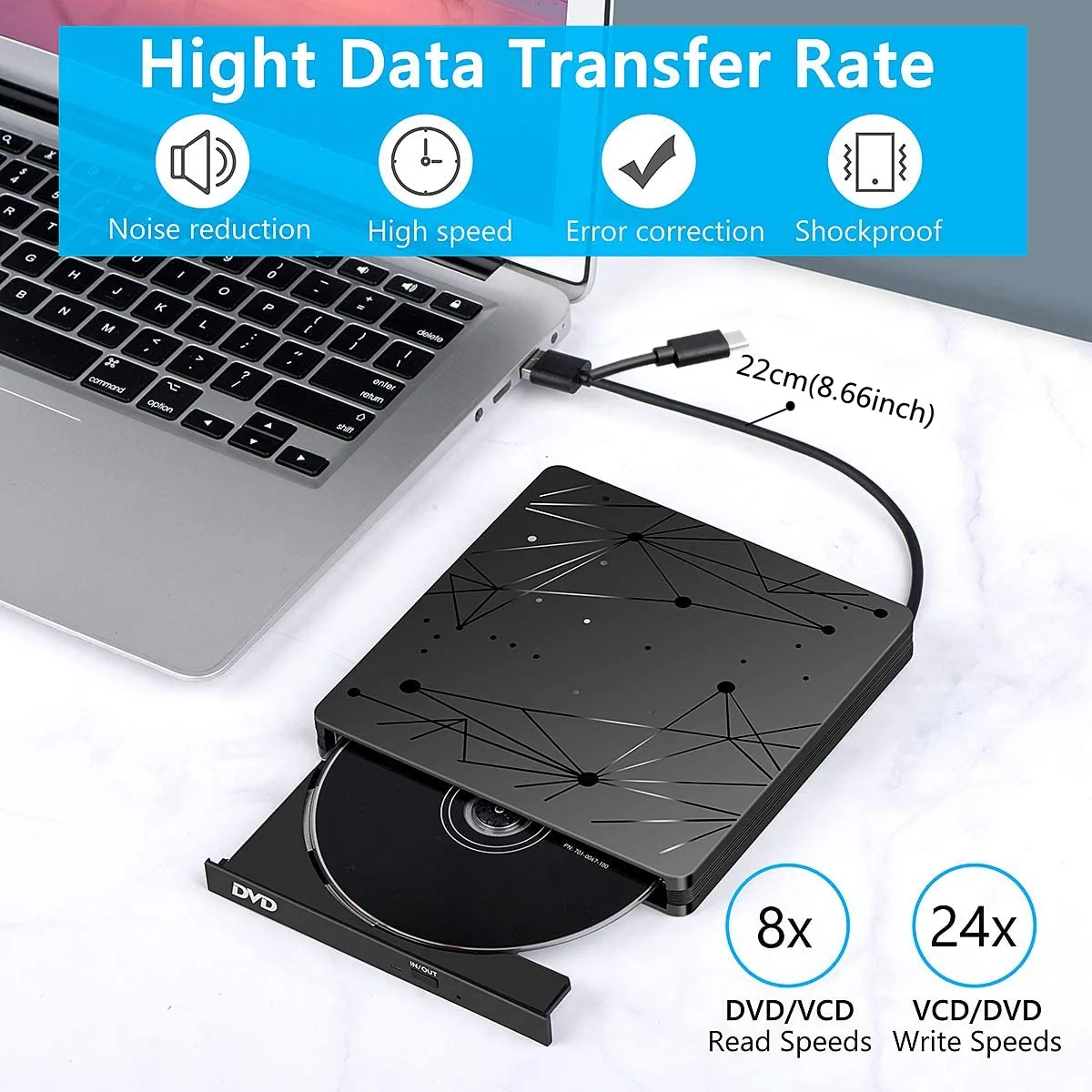
Reading speed: DVD-ROM 8x; CD-ROM 24x
Burning speed: DVD up to 8x CD up to 24x
Supported CD specifications: 8cm, 12cm
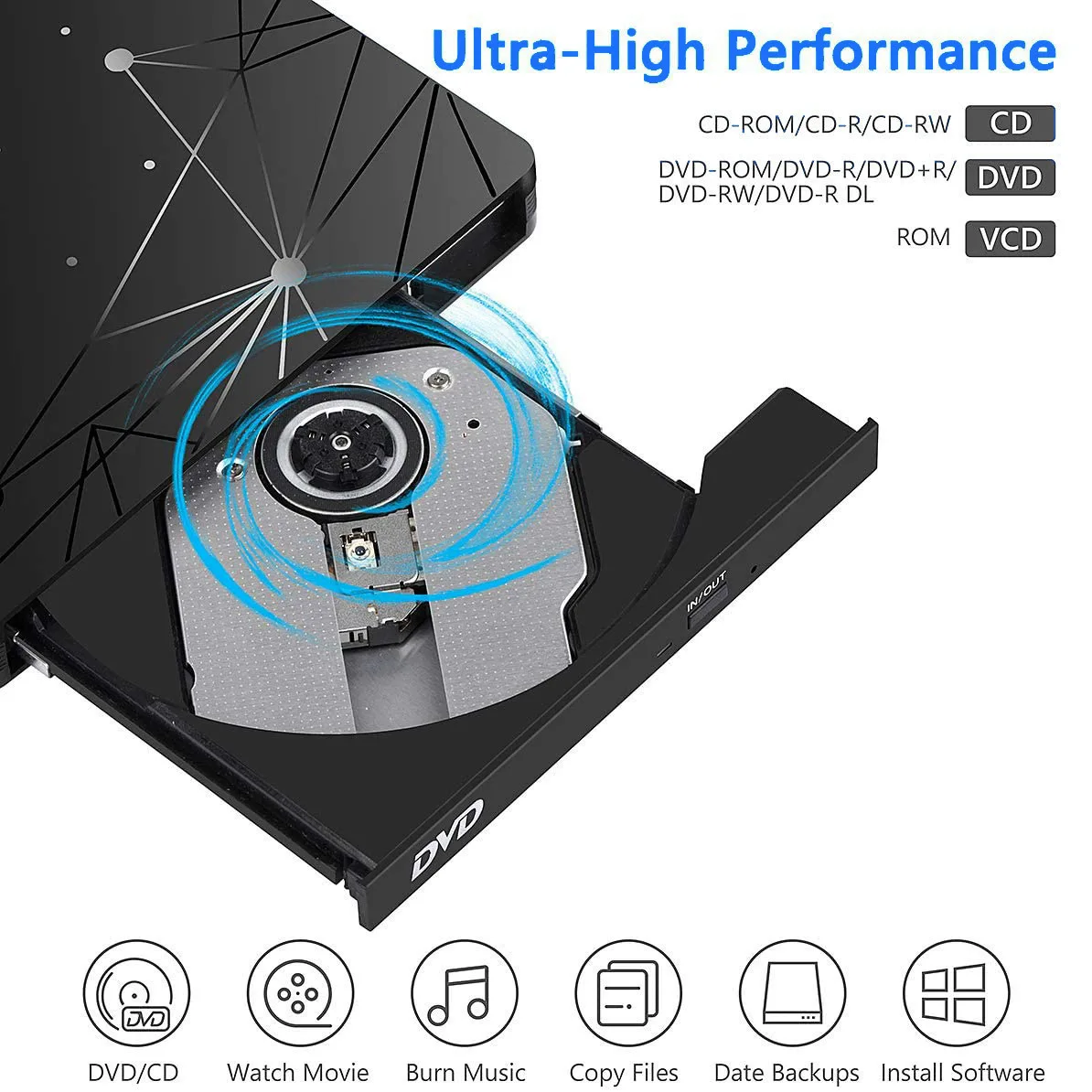
Supports disc formats: DVD-ROM, DVD-R, DVD+R, DVD-RW, DVD-R DL
CDA, CD-ROM, CD-R, VCD, SVCD, CD-RW
1. Plug and play where USB is available
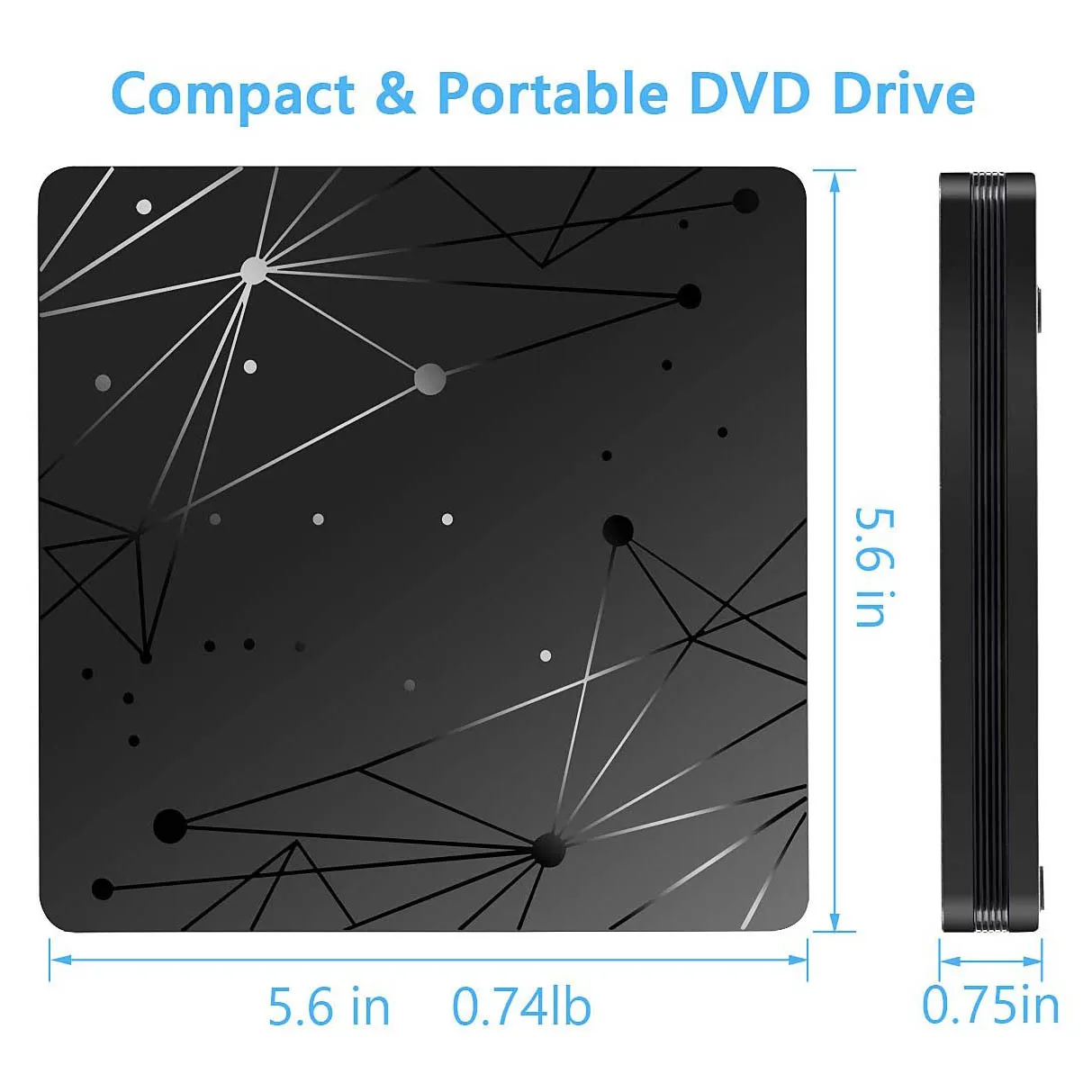
2. Appearance design: ultra-thin, surface piano baked paint
3. Drive free plug in and use
4. Can be used on any laptop/desktop
5. Convenient to carry around, take it with you to help your friends install the system
6. Comprehensive support for DOS startup and system recovery issues
7. The movement has strong error correction ability, shock resistance, low noise, and can be operated horizontally or independently
8. Line optimization design, energy-saving, low-power consumption, no need for external power supply
This product adopts SATA interface DVD-RW original imported movement, and has won the recognition of customers with its advantages of high quality, high performance, strong stability, and fast reading speed.
9. This product has an embedded unique anti burn control chip, which is used during the burning process
It can effectively prevent the probability of damaging the disk and has strong error correction function for reading the disk, allowing you to backup data and enjoy the high fidelity audio quality DVD recorded CD.
10. It can read discs in various formats such as CD, DVD, VCD, etc.
Pay Attention:
It is a CD/DVD drive burner, but not a Blu-ray drive, so it can not play Blu ray discs. Due to the compatibility issue of the M1/M2 chip, it can not be used in Mac M1 M2 chips Laptop or PC.
Please make sure that the laptop power supply is sufficient when you use the dvd driver.
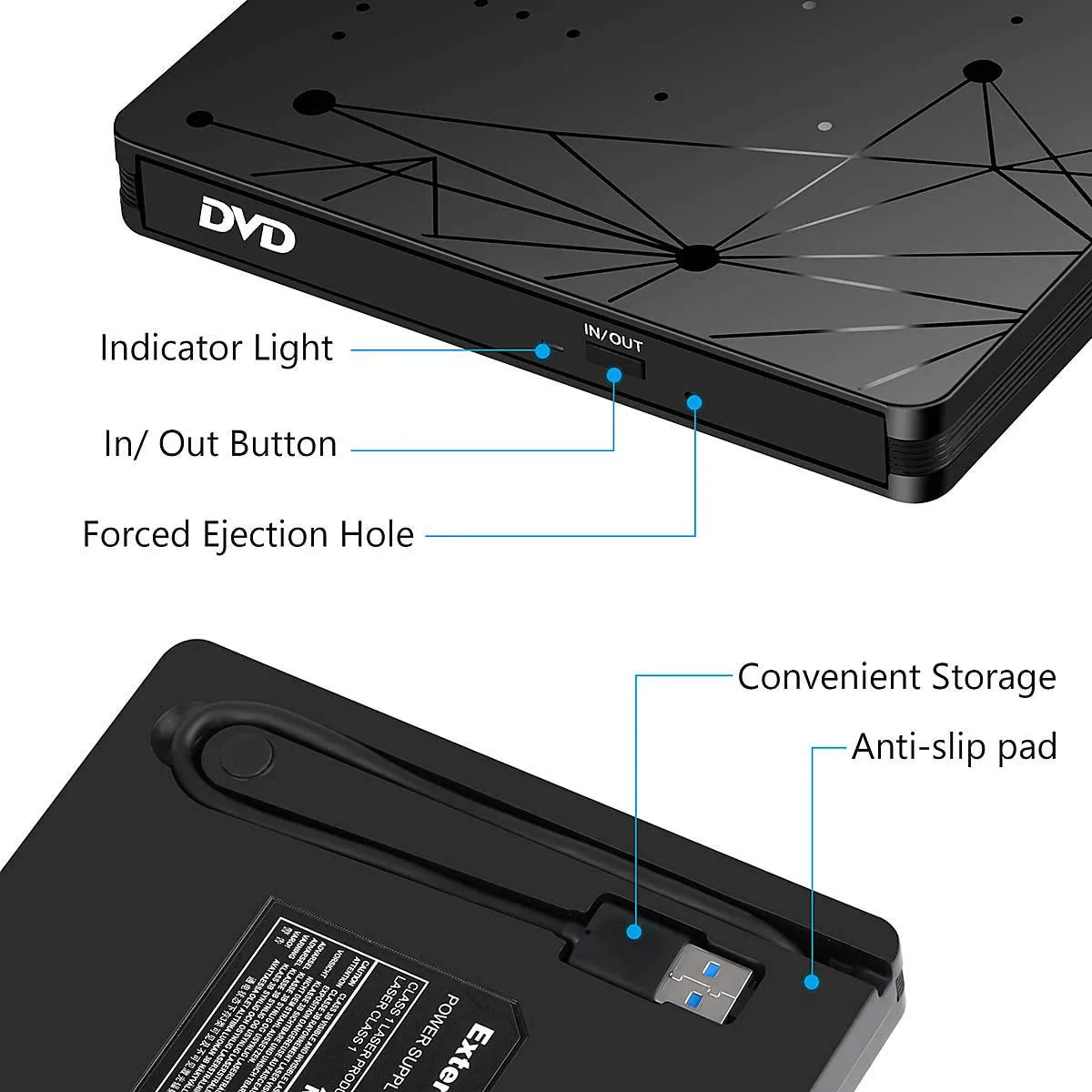
How to Use:
1. Connect the DVD drive:
Connect to the computer through a USB port. Ensure a secure connection, as computers typically automatically recognize new devices.
2. Open the DVD drive
Press the eject button of the optical drive, and the optical drive tray will pop out.
-Be careful to place the DVD disc in the center of the tray, ensuring that the disc label is facing up. Gently press to ensure the disc is securely fastened.
3. Read DVD content
-Push the tray back, and the optical drive will automatically read the disc. Wait for the system to load DVD content. It will take several tens of seconds, please be patient. If you click to open the folder just after inserting the disc, and the disc has not been read yet, it will automatically pop up.
-On some computers, two DVD folders will be displayed. Please be patient and wait for them to be read. After successful reading, one of the folders will disappear. Simply open the remaining folder.
4. Play DVD
-Double click to open the folder, find the contents inside, and you can view them..
5. Pop up the DVD disc
-After the playback ends, you can click on the optical drive icon in the bottom right corner of the computer and select the "pop up" option
Kindly Note:
The internal laser can be harmful to the eyes and face, please do not open it.
Do not place the machine in an easily accessible location outside the press to ensure the function of the machine.
Please connect the laptop external power supply when you use this external optical drive.
Before you using the External CD/DVD Drive, please make sure your computer has a “Media Player..
If you find the External CD/DVD Drive start out a little slow, please wait for 5-10 seconds..
It is a CD/DVD drive burner, but not a Blu-ray drive, so it can not play Blu ray discs.